


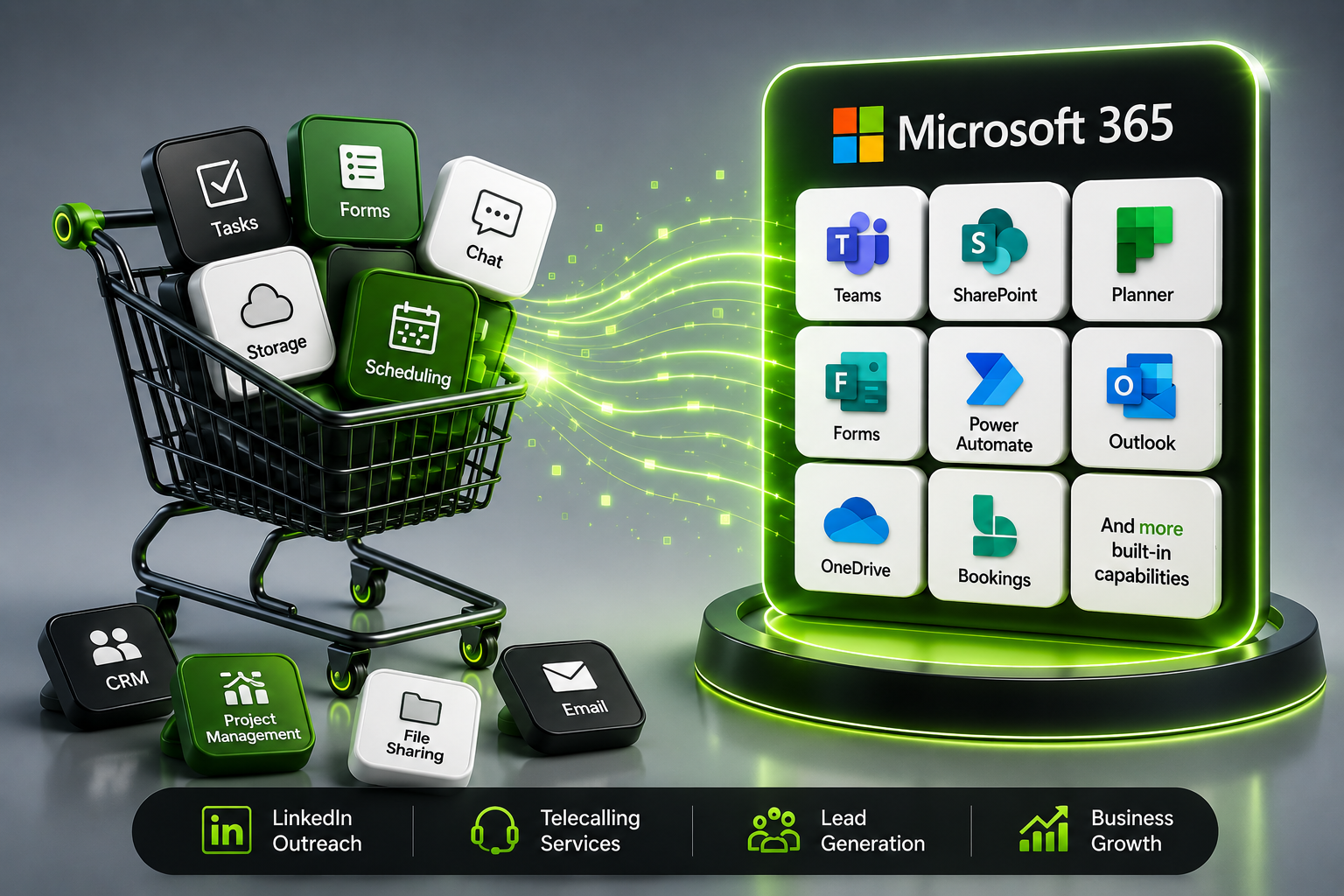
Many businesses keep adding new apps for communication, file sharing, task tracking, approvals, forms, appointments, automation, and reporting.
One tool for meetings.
Another tool for tasks.
Another tool for file storage.
Another tool for forms.
Another tool for workflows.
The result is software overload.
Teams become confused. Data gets scattered. Costs increase. IT teams struggle to manage access, security, and subscriptions. But before buying another platform, every business should ask one simple question:
Are we already paying for this inside Microsoft 365?
For many companies, the answer is yes. Microsoft 365 business tools are often underused, even though they can support daily communication, collaboration, document management, workflow automation, appointment scheduling, and internal business operations.
This is where Hezemon Technologies helps businesses use Microsoft 365 more effectively instead of paying for unnecessary extra tools.
1. The Real Problem: Businesses Buy Tools Without Auditing What They Already Have
A growing business needs better systems. But buying more software is not always the smartest solution.
Many teams use Microsoft 365 only for Outlook, Word, Excel, PowerPoint, and Teams meetings. They may not realize that Microsoft 365 business tools can also help manage tasks, organize documents, collect data, automate approvals, schedule appointments, and improve collaboration.
Without a proper Microsoft 365 audit, companies may end up paying for tools that perform similar functions to apps they already own.
For example:
- Paying for a separate file-sharing tool while OneDrive and SharePoint are available.
- Buying a task management app while Planner is already available in many business plans.
- Using external form builders while Microsoft Forms can handle surveys, registrations, and feedback.
- Paying for appointment scheduling tools while Microsoft Bookings may already fit the requirement.
- Manually following up on repetitive tasks while Power Automate can simplify workflows.
Microsoft 365 business tools can reduce this duplication when they are configured properly.
2. What Microsoft 365 Can Already Help Your Business Do
Microsoft 365 is not just an email and document platform. It is a connected productivity ecosystem.
Depending on your plan, your business may already have access to tools for:
Email and Calendar: Outlook and Exchange help teams manage business communication professionally.
Team Communication: Microsoft Teams supports chats, calls, meetings, file sharing, and collaboration.
Document Storage: OneDrive helps individuals store and access files securely, while SharePoint supports centralized document management.
Task Management: Microsoft Planner helps teams assign tasks, track progress, and manage simple projects.
Data Collection: Microsoft Forms helps create forms, surveys, feedback forms, and registrations.
Appointment Scheduling: Microsoft Bookings helps businesses manage appointments and customer scheduling.
Workflow Automation: Power Automate helps automate repetitive approvals, reminders, notifications, and data movement.
Tracking and Lists: Microsoft Lists helps manage internal tracking systems such as requests, assets, issues, leads, and approvals.
When used together, Microsoft 365 business tools can support everyday business operations without adding unnecessary software complexity.
3. Why Extra Tools Create Hidden Business Costs
The price of a new software subscription is only one part of the cost.
Every new tool also creates hidden costs such as:
- User training
- Data migration
- Separate logins
- Security reviews
- Integration work
- Admin management
- Renewal tracking
- User confusion
- Duplicate data
When multiple tools are used without a clear strategy, teams spend more time switching between platforms than completing real work.
Microsoft 365 business tools help reduce this problem because many apps work together within one ecosystem. Files, chats, meetings, tasks, calendars, forms, and workflows can be connected more easily when your Microsoft 365 environment is planned correctly.
4. When Microsoft 365 Can Replace Another Tool
Before purchasing a new application, businesses should compare the requirement with existing Microsoft 365 features.
Ask these questions:
- Do we need a separate tool, or can SharePoint manage this process?
- Can Planner handle our task tracking needs?
- Can Forms collect the information we need?
- Can Bookings manage customer appointments?
- Can Power Automate reduce manual follow-ups?
- Can Teams become the central workspace for this process?
- Can Lists track the data instead of using spreadsheets or external apps?
This simple check can prevent wasteful software spending.
Microsoft 365 business tools may not replace every specialized platform, but they can often cover many common business needs. For small and growing businesses, this can improve productivity while keeping technology simple and cost-effective.
5. How Hezemon Helps Businesses Unlock Microsoft 365 Value
Hezemon Technologies helps businesses move beyond basic Microsoft 365 usage.
Instead of just selling licenses, Hezemon helps companies understand what they already have, what they are not using, and how Microsoft 365 can support their real business workflows.
Hezemon can support your business with:
- Microsoft 365 license guidance
- Microsoft 365 setup and configuration
- Email and user account setup
- SharePoint and OneDrive structure
- Teams collaboration setup
- Microsoft 365 migration support
- Workflow automation planning
- Security and access management
- User adoption and training guidance
- Productivity improvement using Microsoft 365 apps
With the right setup, Microsoft 365 business tools can become a complete productivity system for communication, collaboration, workflow management, and secure business operations.
6. The Smart Approach: Audit First, Buy Later
Buying new software is easy. Using existing technology wisely is smarter.
Before your business invests in another tool, review your Microsoft 365 environment. You may already have apps that can solve the problem with better integration, stronger security, and lower cost.
A Microsoft 365 audit can help identify:
- Unused apps
- Duplicate software
- Poorly configured tools
- Security gaps
- Manual workflows
- Collaboration issues
- License mismatches
- Opportunities for automation
This helps businesses make better technology decisions and avoid unnecessary spending.
Conclusion
Microsoft 365 is more than Outlook, Teams, Word, and Excel. It can support document management, task tracking, appointment scheduling, data collection, automation, collaboration, and secure business communication.
Before you buy another business tool, check if Microsoft 365 already has it.
With Hezemon Technologies, your business can discover, configure, and use Microsoft 365 business tools more effectively to reduce software waste, improve productivity, and build smarter digital workflows.
FAQs
1. What business tools are included in Microsoft 365?
They are apps and services inside Microsoft 365 that help businesses manage communication, documents, meetings, tasks, forms, appointments, workflows, and security.
2. Can Microsoft 365 replace other business apps?
Microsoft 365 can replace or reduce the need for many basic tools related to file sharing, forms, task management, scheduling, collaboration, and workflow automation. For advanced needs, specialized software may still be required.
3. Why should businesses audit Microsoft 365 before buying new software?
An audit helps identify tools your business already owns, unused features, duplicate software, security gaps, and opportunities to reduce unnecessary subscription costs
4. How can Hezemon help with Microsoft 365?
Hezemon helps businesses with Microsoft 365 licensing, setup, migration, configuration, user adoption, workflow planning, and productivity improvement.
CTA
Stop paying for tools your business may already own.
Talk to Hezemon Technologies and discover how to get more value from Microsoft 365.